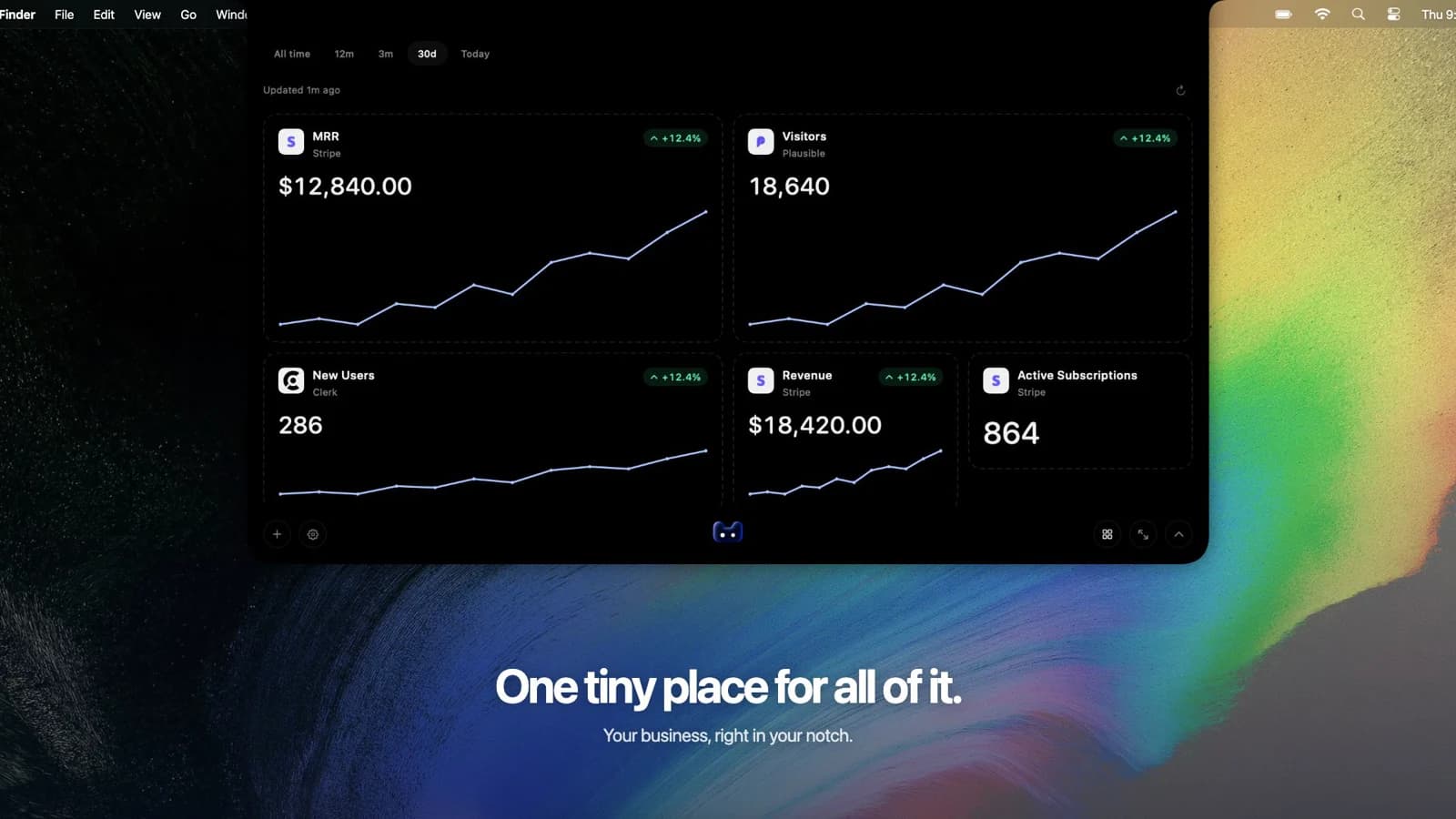
Connect your billing tools. Choose your cards. Pay once.
Expanded dashboard · Product preview with example data
THE TEMPLATE GALLERY
Revenue dashboard templates.
Three ways to keep an eye on your revenue. Pick the view that fits your business and make it yours in the app.
DESKTOP DASHBOARD01
M
My businessDaily sales
30 days
RevenueStripe
+8.2%
$18,420
SalesStripe
+9.4%
128
RefundsStripe
$240
3 connected metric cardsExample data
Product preview · Illustrative figures
THE EVERYDAY VIEW
Daily sales
A clear view of the money coming in, the sales behind it, and the refunds going out.
Revenue
Sales
Refunds
How to build this dashboard +
Add Revenue, Sales, and Refunds. Enlarge the revenue card and place sales and refunds alongside it. Choose a reporting period to review payment activity.
A revenue dashboard brings your sales and revenue metrics into a visual view. It helps you check payment activity, follow trends, and understand the numbers behind your business. This desktop app lets you choose revenue, sales, refund, and subscription cards from supported connections.
How is this different from an MRR dashboard?+
A revenue dashboard covers payment activity, including one-time purchases and subscription payments. An MRR dashboard focuses on the monthly value of recurring subscriptions. You can put both kinds of cards in the same project, while keeping the metrics separate.
Can I use these revenue dashboard examples as templates?+
The examples show card combinations you can build in the desktop app. Connect your source, add the available cards, and arrange them to match the layout you want. The previews use example data; they are not downloadable spreadsheet templates.
Does revenue mean profit or money paid out to my bank?+
The revenue card follows the connected source’s payment or order definition. It does not represent profit or bank payouts. Taxes, discounts, fees, and refund treatment can differ by source. Check the metric’s description in the app before comparing it with an accounting report.
How fresh are the numbers?+
The app refreshes about every five minutes while it is running. Check the refresh status when reviewing a change. If a refresh fails, previously saved metrics remain visible.
Can I monitor multiple businesses?+
Yes. Each project has its own connections, cards, and saved layout. Switch projects to check each business separately. Individual source cards retain their own metric definitions and currency context.
Where does my business data go?+
The app connects directly to your providers. Your credentials and saved metrics stay on your computer, so you can keep a local view of the business alongside your work.